

About this role
Data entry clerks support structured digital operations by entering and checking information. The role requires dependable accuracy and comfort with routine computer work.
What you may work on
- Spreadsheet and database updates
- Form and record processing
- Duplicate and missing-data checks
- Source-to-output verification
Required and useful skills
- Spreadsheet basics
- Accuracy
- Data organization
- Time management
Eligibility and equipment
- Education
- See the role description; equivalent practical skills may be considered where applicable.
- Experience
- Freshers are welcome.
- Equipment
- After joining, discuss a company laptop if needed. It remains company property and must be returned. A stable internet connection and secure workspace are needed for assigned work.
Preparing for the Data Entry Clerk role
For the Data Entry Clerk role, compare the source, required output and review method before you begin. The job description and assignment instructions set the actual work.
Check the work against its source
Compare each value with its source record. Check dates, numbers, required columns and duplicate entries using the validation rules supplied for your assignment.
Prepare a clear handover
For the Data Entry Clerk assignment, keep the requested output, source references and any exception notes together. Use the agreed file name and version so the reviewer can identify the finished work.
If a source is unclear or an instruction conflicts with the required output, record the specific issue instead of guessing. Explain what you checked and what needs confirmation through the approved communication route.
THE WORK, AT A GLANCE
See how this role works
Explore the tasks and checks below. Your assigned project instructions set the exact scope and output.

- 01
Read the source records
- 02
Enter the spreadsheet data
- 03
Check each value and submit
BEFORE YOU SUBMIT
Check each value and submit
Compare each value with its source record. Check dates, numbers, required columns and duplicate entries using the validation rules supplied for your assignment.
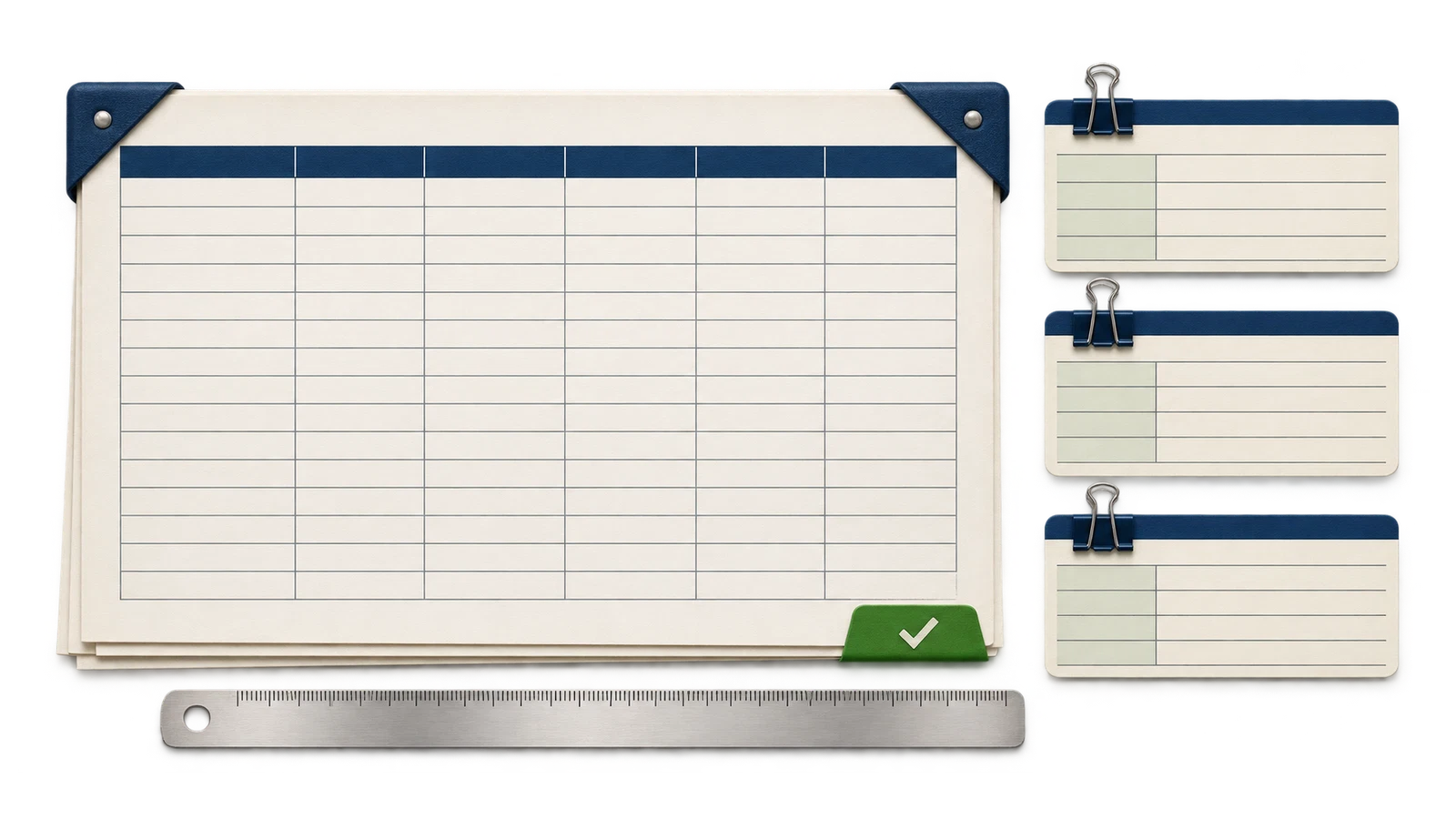
What counts as one paid Excel spreadsheet?
One unit is the Excel spreadsheet identified in your written assignment. Confirm the number of records, required columns, source fields and validation rules before starting. Units can vary in size; the assignment instructions define the work to complete.
The payment table explains how assessed accuracy affects earnings. Confirm the assessment method with your representative and compare the completed output against the source before submitting.
View payment by accuracy →Selection and next steps
Application review takes 2 working hours to 4 working days, depending on how long verification takes.
Our team reviews submitted details. Check updates through the official application process. Staff do not make unsolicited recruitment calls or messages.
Selected candidates receive the applicable project scope, output requirements, schedule and compensation terms before an assignment begins. Payment follows the written project terms.
Company laptop for work use
After joining, discuss with your personal representative whether you need a company laptop for assigned work. It remains company property and must be returned when your work ends. Laptop rental is BDT 668.00 per month, deducted from your earnings. We do not ask for a separate laptop-rental payment or a laptop security deposit.
Data entry payment per Excel spreadsheet
BDT 267.20 per Excel spreadsheet
Payment is calculated by the assessed accuracy of your completed work. Lower-accuracy work is also paid. View the payment-by-accuracy table.
Your effort is paid. No accuracy-related fines.
We value every effort. Work with lower accuracy is also paid using the calculation below. Hire in Global does not impose fines or penalties, or take legal action against workers, simply because their work accuracy is low. An accuracy-based deduction reduces the work payment; it is not a separate fine or an amount you must pay us.
No minimum quantity for payment: You can request payment after completing one Excel spreadsheet. You do not have to complete a minimum batch of pages or sheets, or reach a minimum total, to request payment. The amount is calculated using the assessed accuracy of the completed work.
| Accuracy | Deduction | Work earnings |
|---|---|---|
| 100% | BDT 0.00 | BDT 267.20 |
| 90% | BDT 26.72 | BDT 240.48 |
| 80% | BDT 53.44 | BDT 213.76 |
| 70% | BDT 80.16 | BDT 187.04 |
| 60% | BDT 106.88 | BDT 160.32 |
| 50% | BDT 133.60 | BDT 133.60 |
| 40% | BDT 160.32 | BDT 106.88 |
| 30% | BDT 187.04 | BDT 80.16 |
| 20% | BDT 213.76 | BDT 53.44 |
| 10% | BDT 240.48 | BDT 26.72 |
Calculation: payment = full unit rate × accuracy ÷ 100. The deduction percentage is 100% minus the assessed accuracy. For example, 90% accuracy means a 10% deduction, and 10% accuracy means a 90% deduction. The same proportional calculation applies between the listed levels.
Before starting, confirm the assigned Excel spreadsheet format and scope, how accuracy will be assessed, and the payment schedule in writing. This table shows work earnings after the accuracy-based deduction. Where a company laptop is provided, the BDT 668.00 monthly rental is deducted separately from earnings; we do not collect a separate rental payment.
Confirmed work and payment details
Payment timing
Payment is made within 24 working hours of work submission.
Quality review and payment queries
For a quality assessment or payment dispute, contact your assigned personal representative after joining, or use the official website chat if no representative has been assigned. Include your project reference, the page or spreadsheet concerned and a short explanation. Quality/dispute queries receive a response within 24 working hours.
Working-hour timelines follow the support schedule in IST.
Protect your work: Agree scope and payment terms in writing before starting. Never pay a recruiter to unlock work or earnings. See the recruitment fraud alert for reporting help.
Questions? Read the Candidate FAQ or contact our team. Your application details are handled under our Applicant Data Policy.