
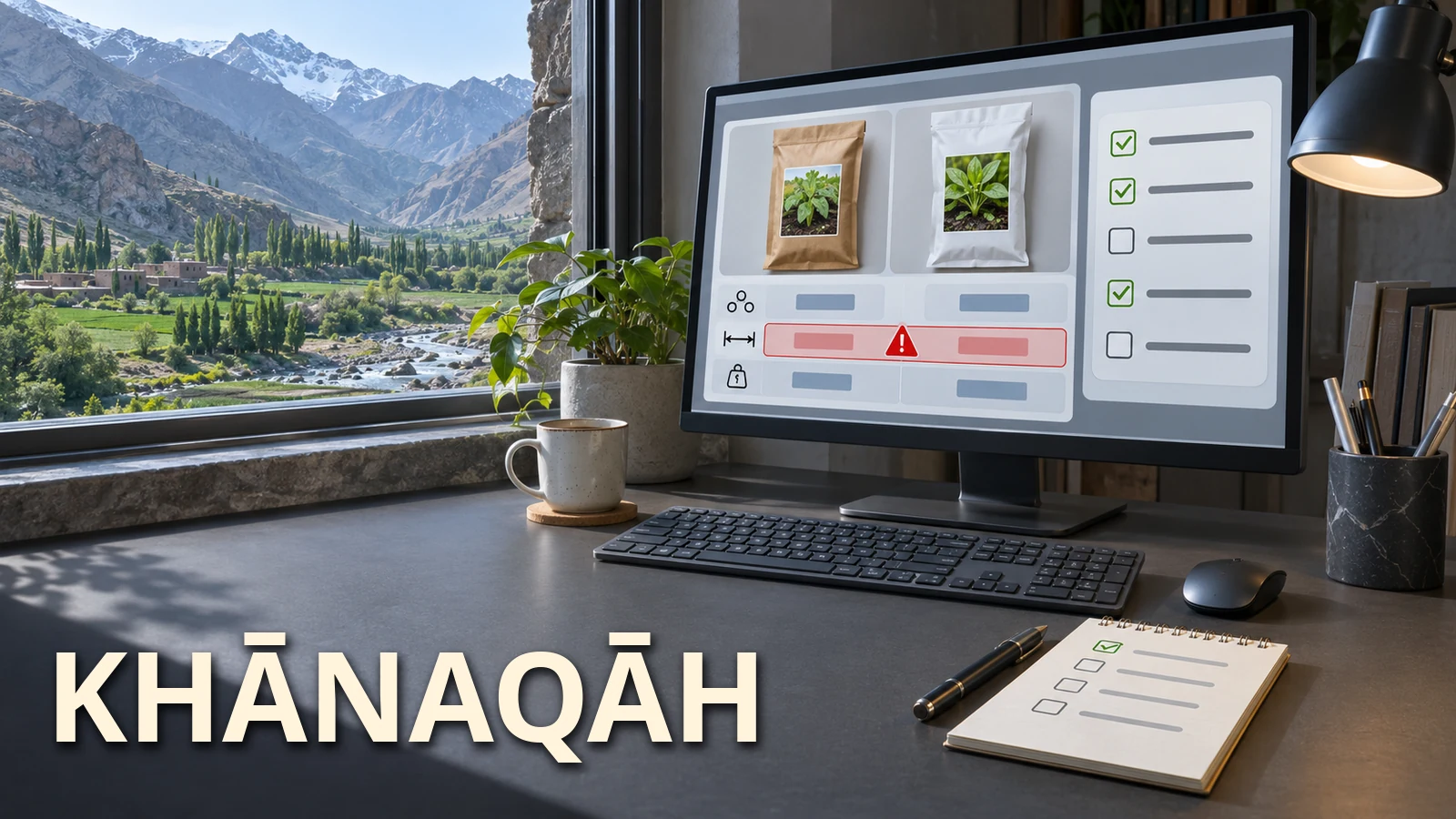
Khānaqāh: practical remote-work exercise
Review two mock seed-package descriptions against supplied pictures; flag a conflicting measurement or count.
Khānaqāh — desk practice
The agricultural study cited for this Khanaqah profile provides wider regional context, not independent confirmation of the recorded locality.
Review invented research summaries for whether they distinguish sample observations from general conclusions. Flag claims extending beyond the given sample.
Khānaqāh — practice questions
Can a small sample prove every case?
No.
What if the scope is overstated?
Mark it unsupported.
Does regional research verify the recorded locality?
No.
Can freshers apply?
Yes. Freshers are welcome. Choose an open role and describe the skills, experience and availability you actually have. Follow the guidance inside that role’s application form. Check the vacancy’s working hours, equipment, language and location eligibility before applying.
What equipment do I need?
You can read and submit some forms on mobile, but many digital roles require a laptop or desktop. Check the equipment section of the job page.
Does recruitment cost anything?
Recruitment is free. No application, joining, placement or exam fee. No security deposit. Never pay to obtain work, equipment or release earnings.
What happens after I submit?
The website shows your submitted details and application number, and sends a confirmation email. Keep your reference and check your inbox and spam folder for updates.
How do I check a pending application?
After submission, keep your application number and confirmation email. The page shows the submitted details instead of a blank form. If an application from the same email is still pending, verify that email again in the application to view its saved details. Do not submit repeated applications while the earlier one is pending. After rejection, you can apply again with corrected information or updated evidence.
Eligibility and equipment
Check the vacancy’s working hours, equipment, language and location eligibility before applying.
Read the responsibilities, schedule, compensation and equipment details.
Prepare your application
Keep observed details separate from inference and mark unsupported claims for clarification. Keep examples fictional and separate from real personal information. Read the published role requirements and eligibility before applying. Sample amounts use Afghan afghani (AFN).
The recruitment process starts with a role-specific application and a verified email. The information you provide helps the team review the role fit and any evidence required by that form. Keep the spelling of names, certificate details and contact information consistent with their sources.
What happens after I submit?
The website shows your submitted details and application number, and sends a confirmation email. Keep your reference and check your inbox and spam folder for updates.
An update may ask you to continue an existing application or provide corrected evidence. Use the link and the same verified email so the saved record can be matched. Keep the application reference in any support question rather than sending unrelated personal documents publicly.
Understand rates in Afghan afghanis · AFN
At full accuracy the published rates are AFN 104.22 per assigned e-book page and AFN 138.96 per assigned Excel spreadsheet. Review the accuracy table and written assignment instructions.
After recruitment, Hire in Global pays you 25% of the agreed amount for every assigned task in advance.
Recognise recruitment fraud
Apply through the official vacancy page. There is no application fee. Never share verification codes or send money to someone who contacts you unexpectedly. Keep evidence of suspicious messages safely, and read UNICEF Afghanistan’s warning about fraudulent posts impersonating the organisation.
Recruitment is free. No application, joining, placement or exam fee. No security deposit. Never pay to obtain work, equipment or release earnings.