

E-Book Typing Specialist
Convert scanned manuscript images into accurately formatted digital text while following project instructions.
View role and apply →HIRE IN GLOBAL SINCE 2008
A bright Diwali. A year of new possibilities.
Typing. Data entry. AI review. Digital support.
Find part-time opportunities that match your skills, understand the work and apply online. Freshers are welcome.

EXPLORE THE POSSIBILITIES
Explore the role, working arrangements and pay before you apply. Featured opportunities appear first.
View the full job directoryConvert scanned manuscript images into accurately formatted digital text while following project instructions.
View role and apply →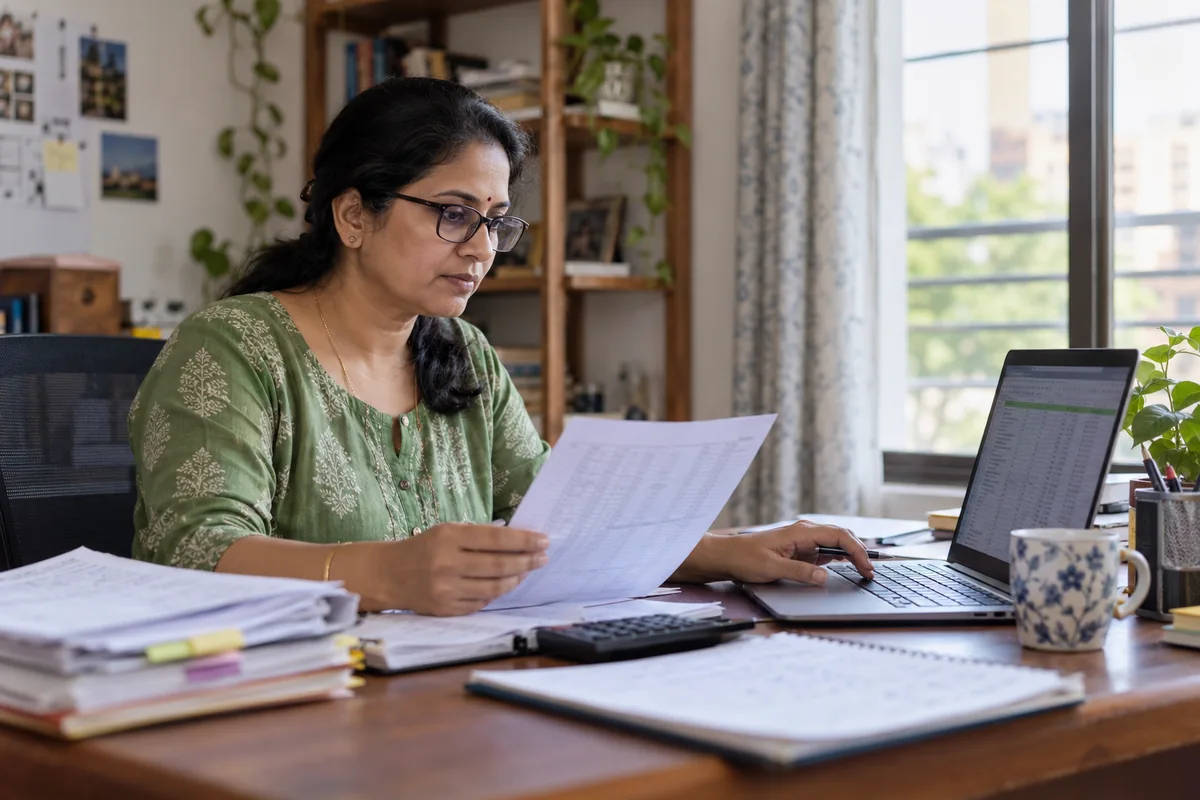
Enter, organize and verify business information in spreadsheets and approved digital systems.
View role and apply →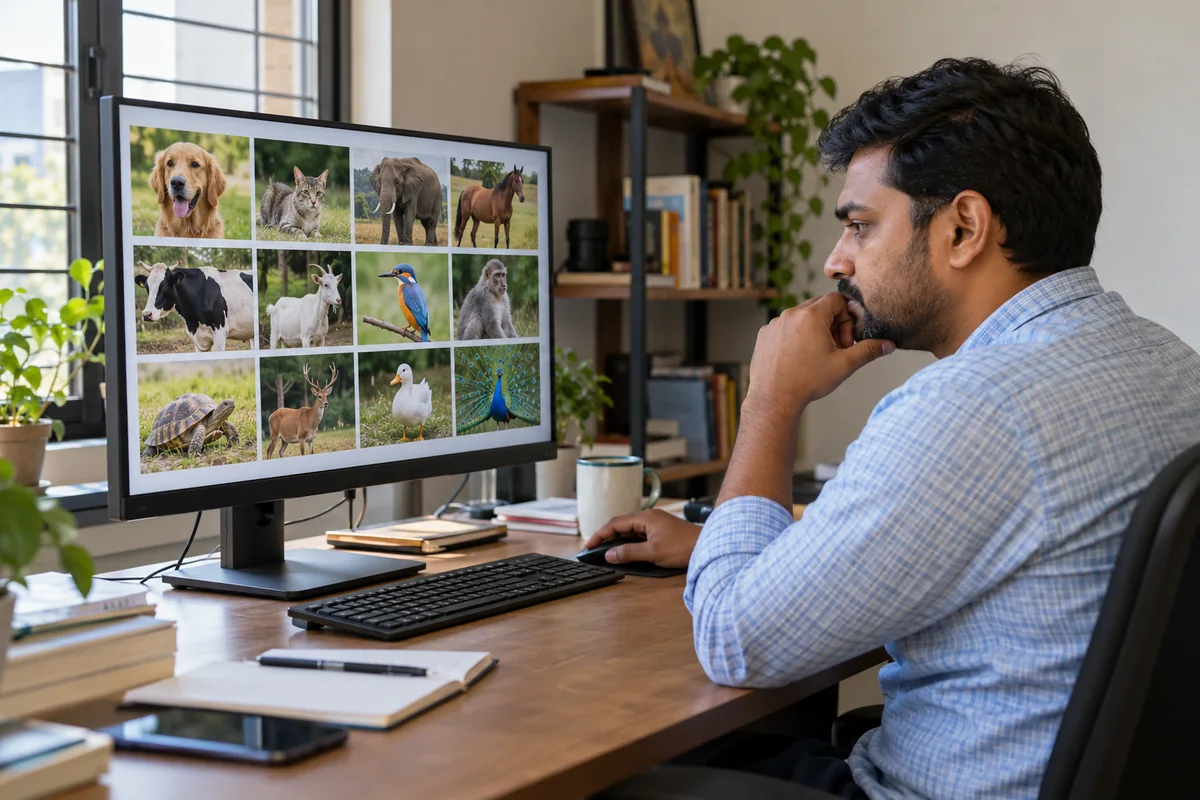
Label, classify and review text or images according to detailed project guidelines.

Convert scanned and PDF documents into editable, accessible and consistently formatted files.
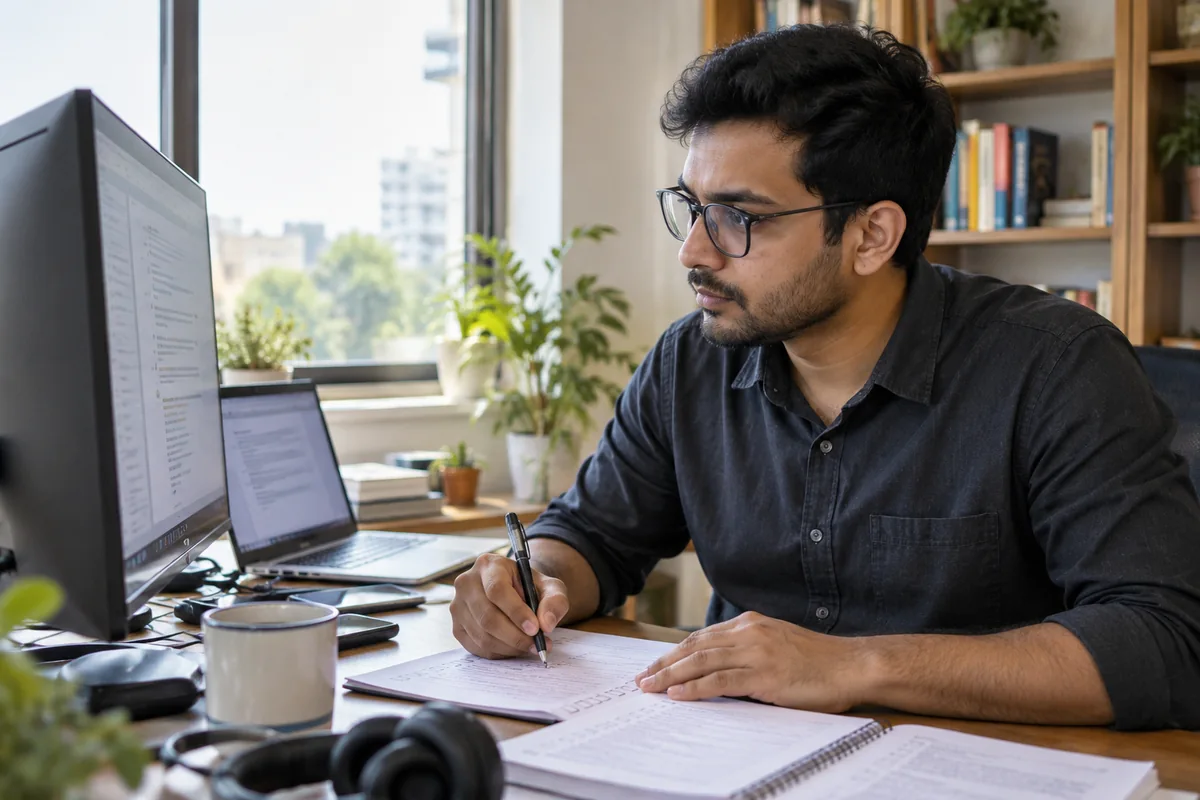
Review machine-generated content for accuracy, clarity, policy compliance and formatting quality.

Evaluate AI prompts and responses for relevance, completeness, clarity and instruction-following.

START WITH CONFIDENCE
Each vacancy has its own application. Take a moment to understand the role and share the details that help us review your suitability.
Read the responsibilities, schedule, compensation and equipment details.
Enter the email code and complete the form with your skills, experience and availability.
Save your application number and confirmation email. Applicant updates are sent in English.
AFTER RECRUITMENT
Working arrangements are confirmed in writing before an assignment begins. Here is how equipment and project advances work.
After recruitment, Hire in Global provides a company laptop for work use. It remains company property and must be returned when your work with us ends. Laptop rental is ₹500 per month, deducted from your earnings. We do not ask for a separate laptop-rental payment or a laptop security deposit.
After recruitment and project assignment, we pay you 25% of the agreed project amount in advance. It forms part of your total project payment. You do not pay this amount to join.
FOR BUSINESSES
Hire in Global manages digital project delivery as well as recruitment. Share your source material, volume, expected output and timeline. We review your brief before confirming how the work will be handled.
Discuss your projectClear brief. Assigned work. Reviewed delivery.

GOOD QUESTIONS. CLEAR ANSWERS.
Have a question about the work or your application? Start with these answers or use the website chat to ask our team.
Visit the Candidate FAQNo application, examination, joining or placement fee, and no recruitment security deposit. Read our payment safety guidance if someone asks you to pay.
Yes. Freshers are welcome. Choose an open role and describe the skills, experience and availability you actually have. Follow the guidance inside that role’s application form.
The E-Book Typing Specialist page links to a typing demo. It uses sample work so you can try typing and see a character-based accuracy report.
The website shows your submitted details and application number, and sends a confirmation email. Keep your reference and check your inbox and spam folder for updates.
No. It is company equipment for work use after recruitment. You must return it when your work with Hire in Global ends. Laptop rental is ₹500 per month, deducted from your earnings. We do not ask for a separate laptop-rental payment or a laptop security deposit.
Yes. Use the Projects page to share the work type, source material, expected output, volume and timeline. The team will discuss the scope with you.

THE COMPANY BEHIND THE WORK
Led by Founder and CEO Hitesh Panchal, Hire in Global coordinates recruitment and digital project delivery from Nadiad, Gujarat. Get to know the company and find our published contact details.